
GTA Vice CIty ImmersiveVC Lite Free Download
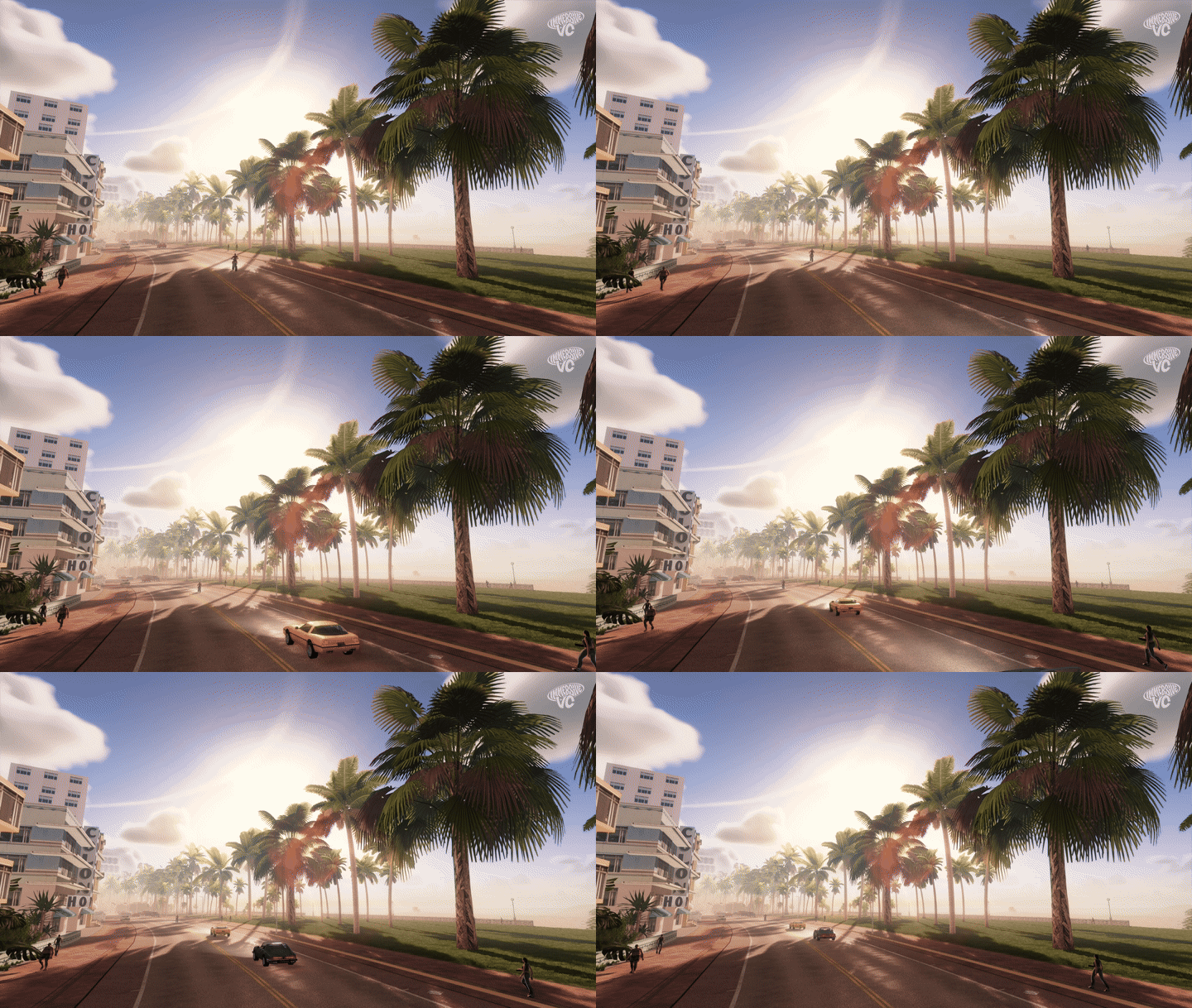
Want to experience GTA Vice City with modern graphics, realistic shadows, dynamic lighting and beautiful volumetric clouds? ImmersiveVC Lite is a free DirectX 11 graphics mod designed to enhance the classic PC version of Grand Theft Auto: Vice City.
Unlike a traditional graphics preset, ImmersiveVC introduces a new rendering system with real-time lighting, a simulated ocean, reflections, rain effects and a modern sky. The Lite edition is free to keep and is not a limited-time trial.
ImmersiveVC Lite Mod Details
- Mod Name: ImmersiveVC Lite
- Game: Grand Theft Auto: Vice City (Classic PC Version)
- Mod Category: Graphics and Visual Enhancement
- Graphics API: DirectX 11
- Price: Free
- Approximate Download Size: 30 MB
- Developer: ReeveMods
- Required Game Version: GTA Vice City v1.0
- Operating System: Windows 10 or Windows 11
Note: Download size and compatibility details may change with future updates. Check the official download page for the latest version.
Features of ImmersiveVC Lite
1. DirectX 11 Graphics Renderer
ImmersiveVC replaces the original game's rendering system with a modern DirectX 11 renderer. It introduces advanced lighting and post-processing effects while keeping the classic Vice City game world and missions.
2. Real-Time Shadows
Buildings, palm trees, vehicles and pedestrians can cast real-time shadows. Soft shadow edges and ambient occlusion help create a more detailed environment, especially during sunrise, sunset and nighttime.
3. Modern Sky and Volumetric Clouds
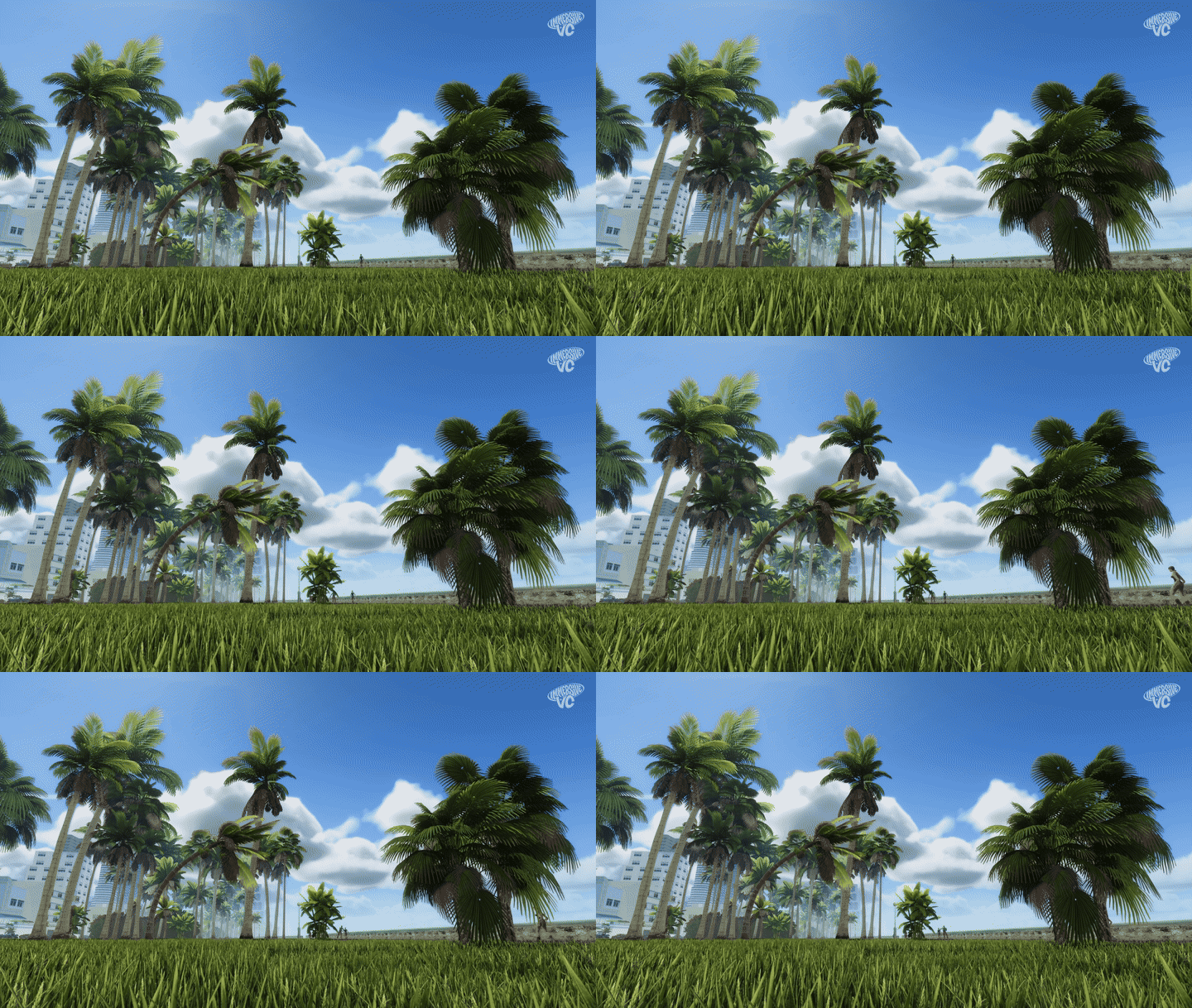
Experience a modern atmospheric sky, volumetric clouds, sun rays, moonlight, stars, fog and storm effects. These features give Vice City a fresh visual appearance without changing its original map.
4. Realistic Ocean and Water Reflections
The ocean features moving waves, foam and reflections. Boats interact with the simulated water, while underwater lighting and other effects add depth to the coastal environment.
5. Rain and Wet Roads
Rain effects make the city look more atmospheric. Wet roads, puddles, reflections and water droplets on the camera lens add detail to rainy weather.
6. Vehicle Reflections and Lighting
Vehicle paint can reflect the surrounding environment. Headlights, taillights, street lamps and other lighting effects help improve the appearance of cars and city streets.
7. In-Game Graphics Settings
Press F11 to open the ImmersiveVC settings panel. You can adjust available graphics settings and switch effects on or off while playing.
8. Performance Options
The Lite edition includes options such as SMAA anti-aliasing and FSR 1 upscaling. Performance will vary depending on your graphics hardware, resolution and selected settings.

ImmersiveVC Lite vs Full Edition
ImmersiveVC is available in two editions. Lite includes the new renderer and its main visual effects, while Full adds extra textures, models, vegetation and gameplay features.
| Feature | Lite | Full |
|---|---|---|
| DirectX 11 renderer | Yes | Yes |
| Real-time lighting and shadows | Yes | Yes |
| Volumetric clouds and modern sky | Yes | Yes |
| Simulated ocean and reflections | Yes | Yes |
| Rain and wet-road effects | Yes | Yes |
| PBR texture pack | No | Yes |
| 3D vegetation and grass | No | Yes |
| 82 reworked vehicles | No | Yes |
| Additional gameplay scripts | No | Yes |
| Approximate download size | 30 MB | 1.2 GB |
If you only want to upgrade the game's lighting, shadows, sky, water and reflections, the Lite edition is a good starting point. Choose Full if you also want the additional models, textures and gameplay features.
Requirements
- A legitimate copy of classic GTA: Vice City for PC.
- GTA Vice City version 1.0.
- Vice City Essentials Pack.
- Windows 10 or Windows 11.
- A compatible graphics card and DirectX 11 support.
Important: ImmersiveVC is made for the classic PC version of Vice City. It does not support GTA: Vice City – The Definitive Edition.

How to Install ImmersiveVC Lite
- Install classic GTA: Vice City on your PC.
- Download the Vice City Essentials Pack from its linked download page.
- Extract the Essentials Pack and follow its included instructions to install it in your GTA Vice City game folder.
- Download ImmersiveVC Lite from the official ReeveMods Patreon post.
- Extract the downloaded archive and follow the included readme or installation instructions. Place the mod files in the game folder as instructed.
- Launch GTA Vice City and press F11 to open the settings panel.
- Adjust the graphics options to suit your PC and enjoy the enhanced visuals.
Installation tip: Back up your game folder before installing any graphics mod. If the game fails to launch, verify that you have the correct game version and that the Essentials Pack was installed properly.
Credits: ImmersiveVC is created by ReeveMods. All mod files and related rights belong to their respective creators. This website provides information and links to the creator's official release page; it does not host or re-upload the mod.
Disclaimer: Grand Theft Auto: Vice City is owned by Rockstar Games. This is an unofficial fan-made modification and is not affiliated with or endorsed by Rockstar Games.
Download ImmersiveVC Lite for GTA Vice City
Ready to give classic GTA Vice City a modern visual upgrade? Visit the official ReeveMods page to access the free Lite edition and check the latest release information.


No comments